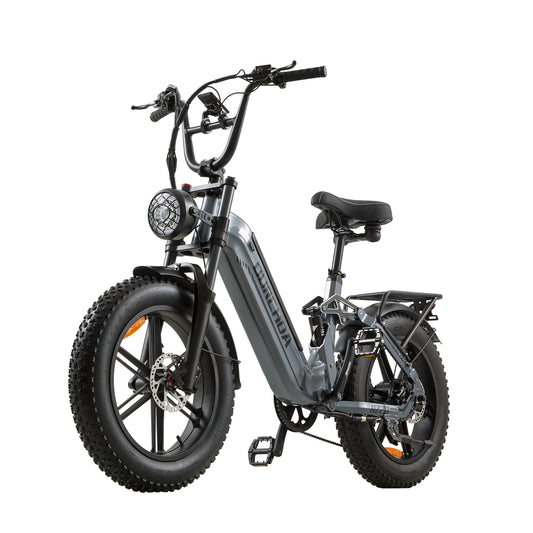
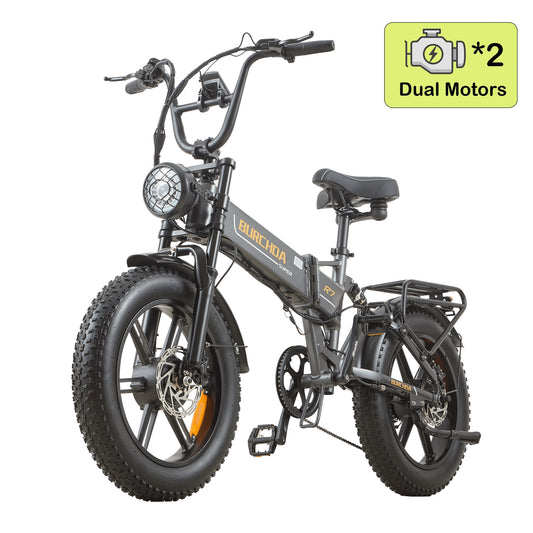
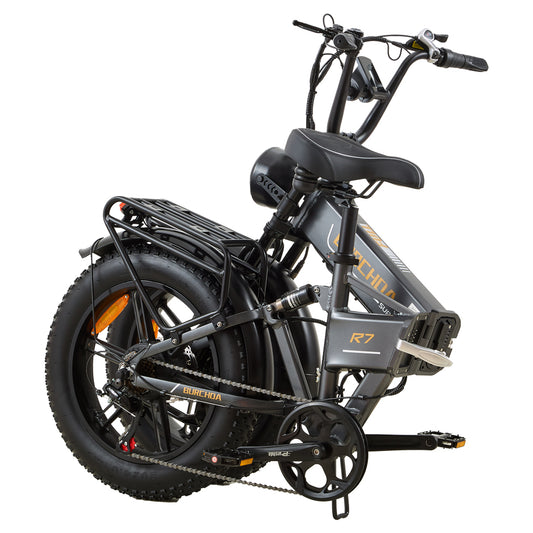
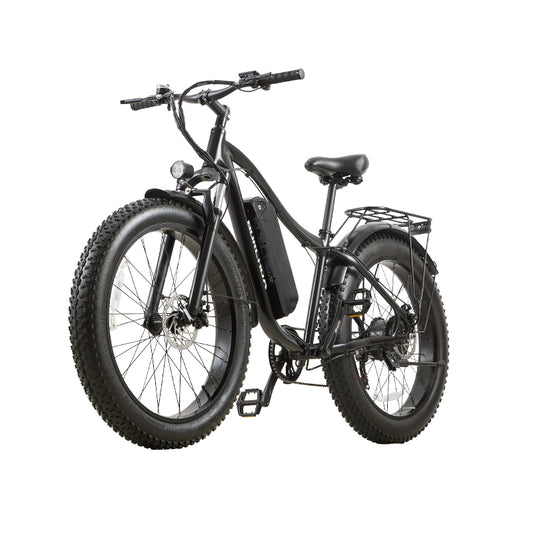
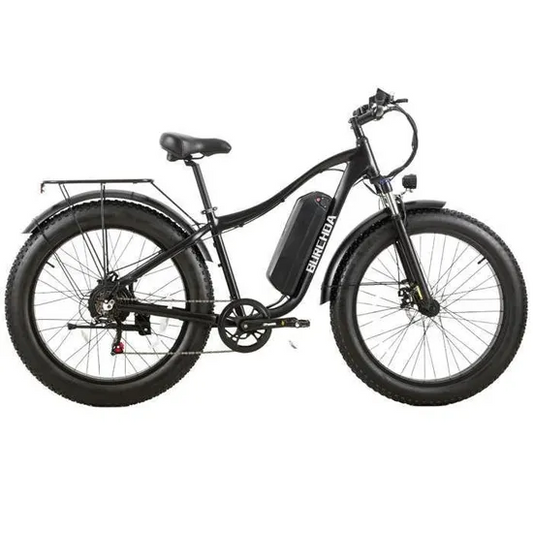
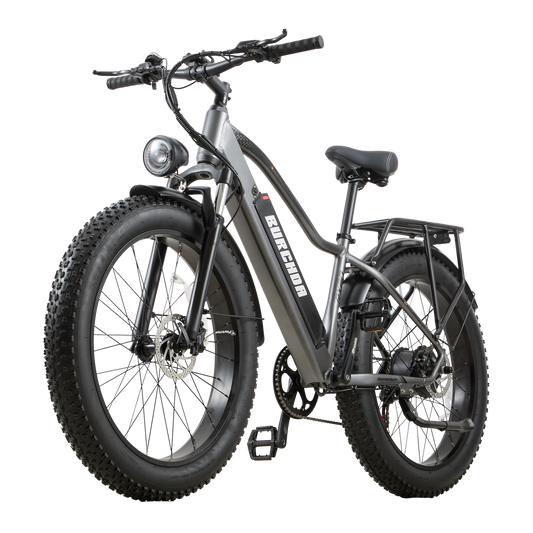
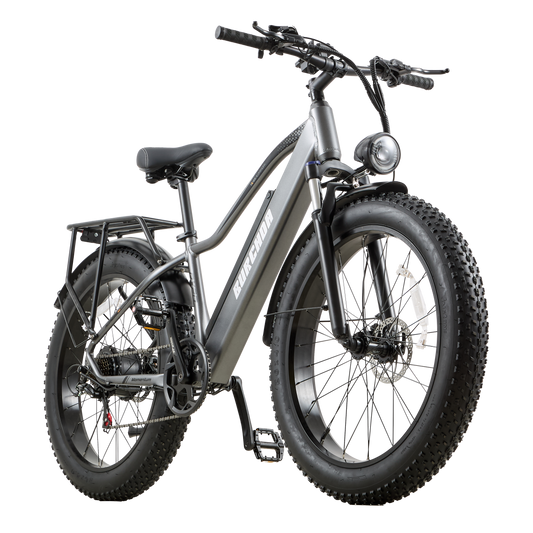
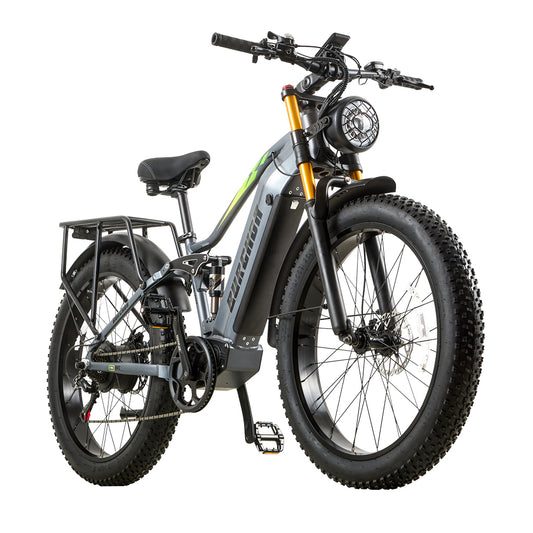
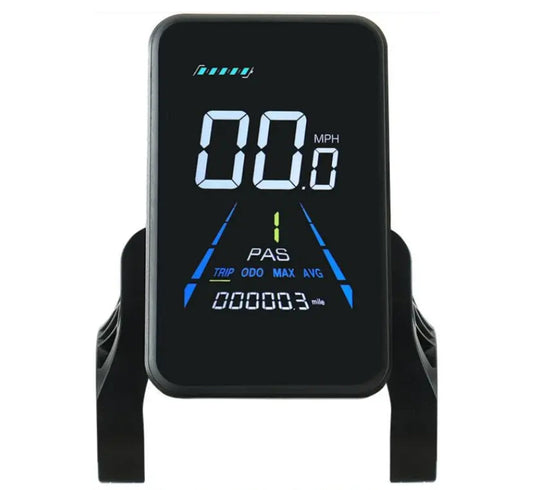
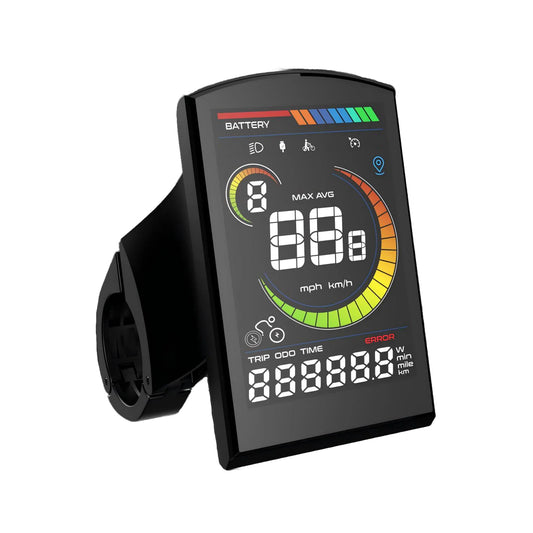
BURCHDA ebike YL-81F instrument new version of the second-level speed limit release tutorial:
1. Press and hold the ➕➖ keys at the same time to enter the parameter interface, and then press and hold the ➕➖ keys again to enter the password interface.
2. Enter the password: 2847 (press the ➕ or ➖ key to enter the password, and press the i key to switch to the next digit) to enter the speed limit interface.
3. After entering, press the i key, the value below flashes, and press or hold the ➕ key to adjust the speed limit value.
4. Press and hold the i key again to save and exit